
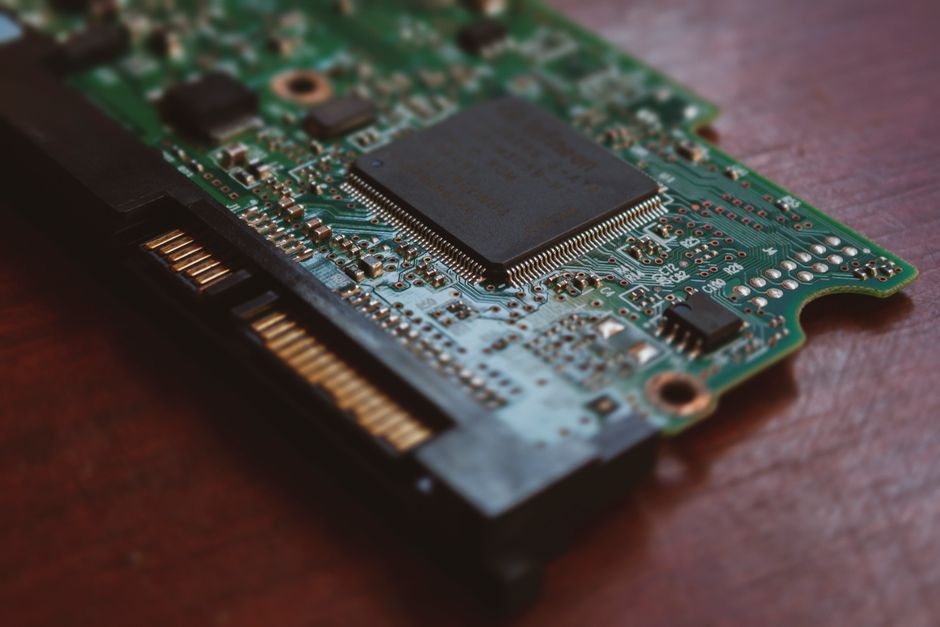
In 2026, external storage solutions are indispensable for both professional workflows and personal data management. The decision between an external Solid State Drive (SSD) and an external Hard Disk Drive (HDD) is pivotal, each offering distinct advantages. Understanding the core technological differences is essential to selecting the right device to secure and access your digital life.
Understanding External Storage Technologies
What is an External SSD?
An external Solid State Drive (SSD) uses flash memory to store data, operating much like the storage in your smartphone or high-speed USB drives. Without any moving parts, these devices deliver exceptional speed and resilience. Based on hardware specifications, user feedback, and market consensus, external SSDs are the go-to choice for applications demanding rapid data transfer and robust performance.
What is an External HDD?
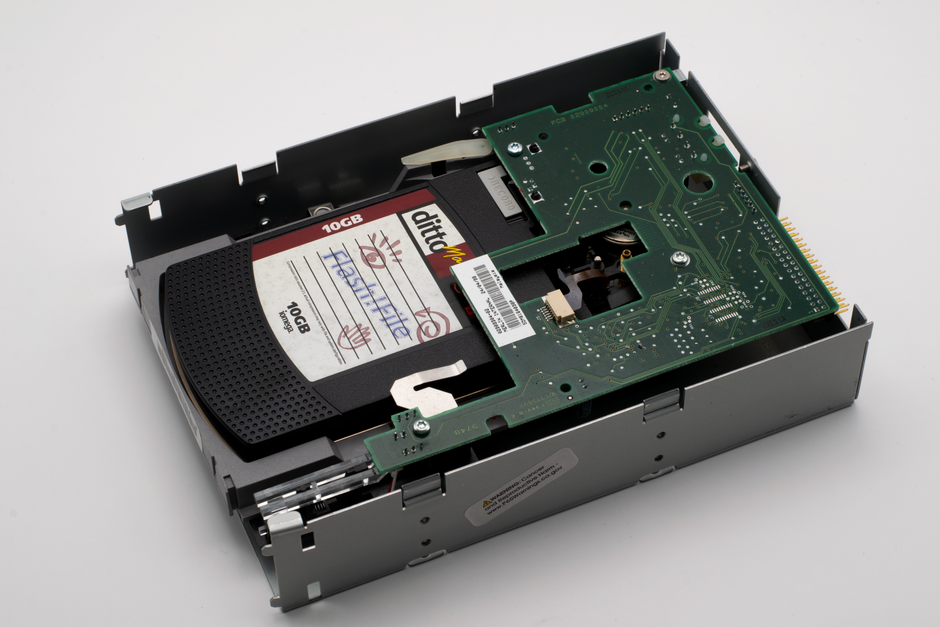
An external Hard Disk Drive (HDD) relies on spinning magnetic platters and read/write heads to access information. This time-tested technology remains a cornerstone of data storage. Consumer reviews highlight external HDDs as a preferred solution for cost-effective, high-capacity data archiving and bulk backups.
External SSD vs. External HDD: Key Differentiators
Performance and Speed
- External SSDs: Our market analysis consistently shows external SSDs achieving vastly superior read and write speeds, often several times faster than their HDD counterparts. This translates into quicker file transfers, rapid application loading, and a smoother experience for demanding tasks like 4K video editing or running virtual machines directly from the drive.
- External HDDs: Due to their mechanical operation, external HDDs are inherently slower. Data access requires physical movement of components, creating bottlenecks for high-demand scenarios. While adequate for many general storage tasks, they can feel sluggish with large files or frequent access.
Durability and Portability
- External SSDs: The absence of moving parts makes SSDs highly resistant to drops, shocks, and vibrations. This inherent ruggedness, coupled with their typically compact and lightweight design, makes them an excellent choice for users who frequently travel or work in dynamic environments.
- External HDDs: The delicate mechanical components within HDDs make them vulnerable to physical shock. Even a minor fall can cause damage to the read/write heads or platters, potentially leading to data corruption or complete data loss. They are generally larger and heavier, impacting portability.
Capacity and Longevity
- External SSDs: While SSD capacities have grown significantly, external models typically offer lower maximum storage volumes compared to HDDs at similar market positions. SSD longevity is measured by “write cycles,” a very high number that ensures years of typical consumer use.
- External HDDs: HDDs continue to lead in offering the highest storage capacities per drive, often making them the default for massive data archives. However, HDDs are more susceptible to mechanical failure over time, especially with continuous operation or physical stress.
Noise and Power Consumption
- External SSDs: Operating silently due to their solid-state nature, SSDs also consume less power. This can be particularly beneficial for laptop users, potentially extending battery life when the drive is bus-powered.
- External HDDs: The spinning platters and moving heads generate audible noise and require more power. While not usually an issue for desktop setups, it can be a minor consideration for portable power efficiency.
| Feature | External SSD | External HDD |
|---|---|---|
| Speed | Extremely Fast (e.g., NVMe often >1000 MB/s) | Moderate (typically 80-160 MB/s) |
| Durability | Excellent (resistant to drops/shocks) | Vulnerable (mechanical parts) |
| Portability | Very High (compact, lightweight) | Moderate (larger, heavier) |
| Max Capacity | High, but generally less than HDDs | Very High, often leading the market |
| Noise | Silent | Audible (spinning platters) |
| Power Use | Low | Higher |
When to Choose Which
- Choose an External SSD if:
- You prioritize raw speed for frequent file transfers, running applications, or editing large media files directly from the drive.
- Portability and ruggedness are paramount, such as for field photography, travel, or demanding outdoor use.
- You need a fast boot drive for an operating system or virtual machines.
- Choose an External HDD if:
- Your primary need is vast storage capacity for archiving backups, large media libraries, or extensive document collections.
- Speed isn’t the absolute highest priority, and data access is more occasional.
- The drive will mostly remain stationary, reducing the risk of physical damage.
The Bottom Line
The selection between an external SSD and an external HDD in 2026 ultimately depends on your specific usage patterns and priorities. Our editorial review highlights that for speed, durability, and a compact form factor, the external SSD is the superior choice. However, when sheer volume of storage at a more accessible point is the primary driving factor, the external HDD remains an indispensable and robust tool. Carefully consider your workflow and budget to select the storage solution that best empowers your digital life.
For complex data migration projects, internal storage upgrades, or any scenario requiring expert handling of your digital infrastructure, consulting an Authorized Service Center ensures professional execution and data integrity.
SEO_TITLE: External SSD vs. External HDD: Which is Right for You?
SEO_DESC: Explore the critical differences between external SSDs and HDDs in 2026. Radar Tech Geek’s editorial review guides your choice for speed, durability, and capacity.
SEO_KW: External SSD, External HDD, Storage Comparison